Important changes
signature folder
With the new version of the electronic banking application, the behaviour of the signature folder has been adjusted to offer the new processes related to Verification of Payee (VOP).
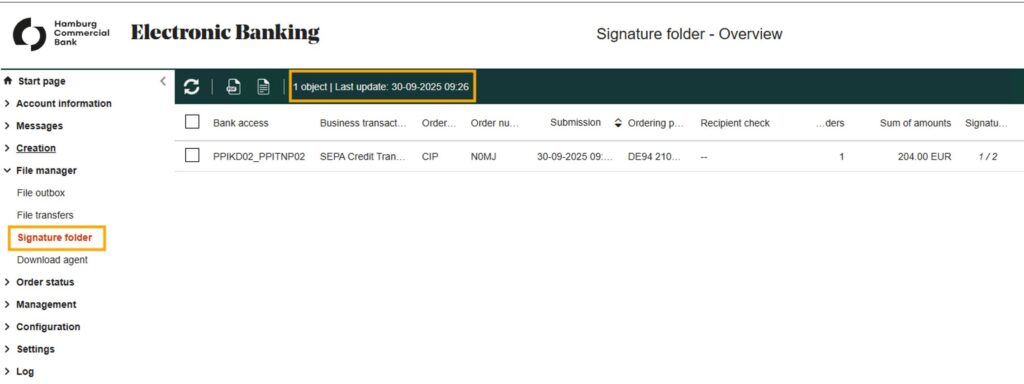
Automatic update of the signature folder every 10 minutes
The signature folder is no longer reloaded when you enter the corresponding screen, as previous, but is automatically updated every 10 minutes. You can see the last update time in the time stamp, located in the title bar of the screen.
Manual update of the signature folder
The signature folder can be manually reloaded exported using a new button. The button is located at the bottom right of the page with the text “Retrieve signature folder”.
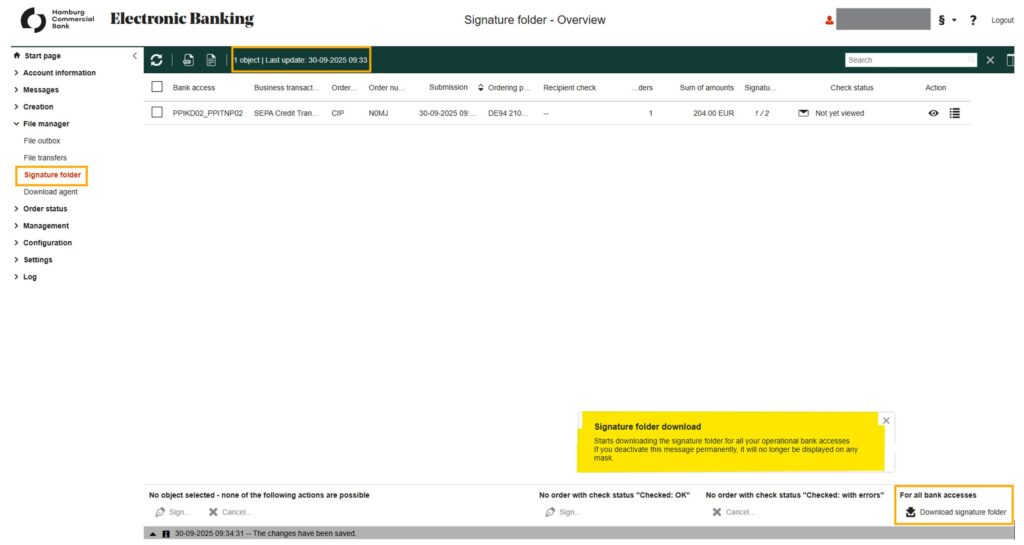
A spinner is displayed above the button while the signature folder is being updated.

It will only be possible to perform operations such as signing or cancelling an order once the signature folder has been completely updated. After the signature folder has been successfully updated, a pop-up window will appear for confirmation.
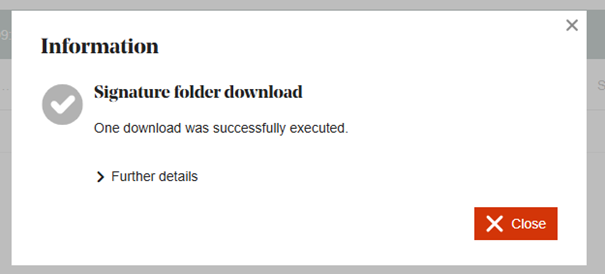
Please wait until the signature folder has been successfully updated before performing any operations on the orders.
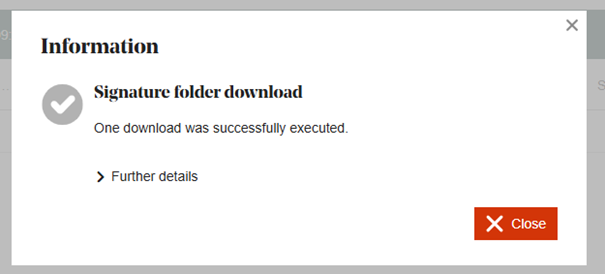
A message will appear if the signature folder has not yet been fully updated.
Display of signed orders in the signature folder
The behaviour of the signature folder in the signature process has been adjusted. Previously, orders signed by the logged-in user were hidden in the signature folder, regardless of whether the order had been fully authorised by the bank.
Orders are now displayed in the signature folder until they have been fully authorised by the bank. As soon as an order has been fully authorised by the bank, it will no longer be displayed in the signature folder after the next update of the signature folder (manually or through the cyclical update).
Until full authorisation by the bank, the orders will continue to be displayed in the signature folder and the user can view the signatures already provided (their own or others) – regardless of whether they can still sign themselves or not.
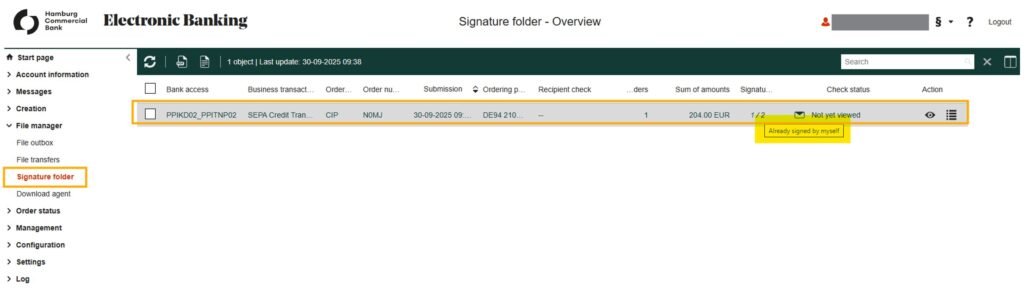
Orders that have already been signed by the user are indicated by the values in the “Signatures” column being displayed in italics.

In the detailed view of the order in the signature folder, the signatures already provided (one’s own and others’) can be viewed.
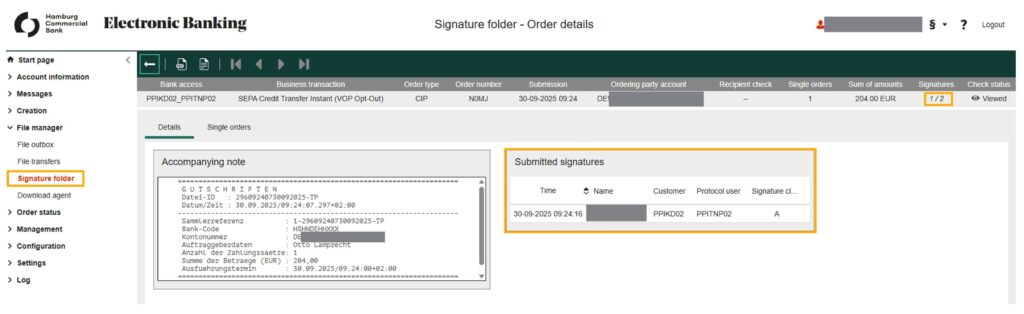
Please note that signatures in the customer contract may have different validity, meaning that signatures from several users are required for full authorisation.
The following electronic signature classes are commonly used in the EBICS procedure:
| Signature class | Description |
| T | Transport signature, not considered a banking signature |
| A | Joint electronic signature (EU) with authorised persons of class A or B |
| B | Joint electronic signature (EU) only with class A authorised persons |
| E | Every user with an e-signature is authorised to sign as an individual. |
This means that the number of signatures already provided may be higher than the number required, for instance there may be several B signatures or one A and one B signature. The display in e-banking – for example, “2/1” (2 signatures provided/1 signature required) – only shows the number of signatures. The decision on the validity of the signatures and thus also the decision on the complete authorisation of an order is made by the bank computer and is reported back to e-banking by updating the signature folder.